
Screenshots

App details
- Updated
- 2024-07-26T21:41:38.5920781Z
- Requires
- Windows 10 version 17763.0 or higher
- Language
- Chinese 11 moreLanguagesChineseEnglishFr...
- Developer
- AVEVA
- Category
- Mobile
SoftPas in:
This product is also available in the following languages:
About AVEVA Mobile Operator
Download AVEVA Mobile Operator – industrial operations, procedure management, asset management, mobile operator, real-time data, work order integration, digital transformation, industrial safety
Overview
AVEVA Mobile Operator is a purpose-built mobile application tailored for professionals in industrial operations and management. Designed to support real-time workflows in complex industrial environments, the app enables users to manage procedures, input operational data, and oversee asset information directly from their mobile devices. By bringing critical operational tools into the field, it addresses the challenges of outdated documentation, delayed data entry, and fragmented communication across industrial sites.
The app is particularly valuable for engineers, operators, maintenance technicians, and supervisors who require immediate access to current procedures and the ability to record actions on-site. Its focus on compliance, data accuracy, and workflow efficiency makes it a key enabler of digital transformation in industrial settings. With a release date of July 26, 2024, AVEVA Mobile Operator reflects the latest advancements in mobile-enabled industrial software.
Developed by AVEVA, a recognized name in industrial software solutions, the app leverages established expertise in digital operations and asset lifecycle management. Although the developer did not provide additional technical details, the app’s core functionality suggests integration with broader industrial systems. Real-world use cases include on-site procedure verification, immediate incident reporting, photo documentation of equipment conditions, and real-time submission of maintenance requests.
Within the mobile app ecosystem, AVEVA Mobile Operator fills a niche for high-precision, workflow-driven tools in regulated and safety-critical industries. Its role in enhancing operational transparency and accountability positions it as a strategic asset for organizations pursuing operational excellence.
Key Features & Functionality
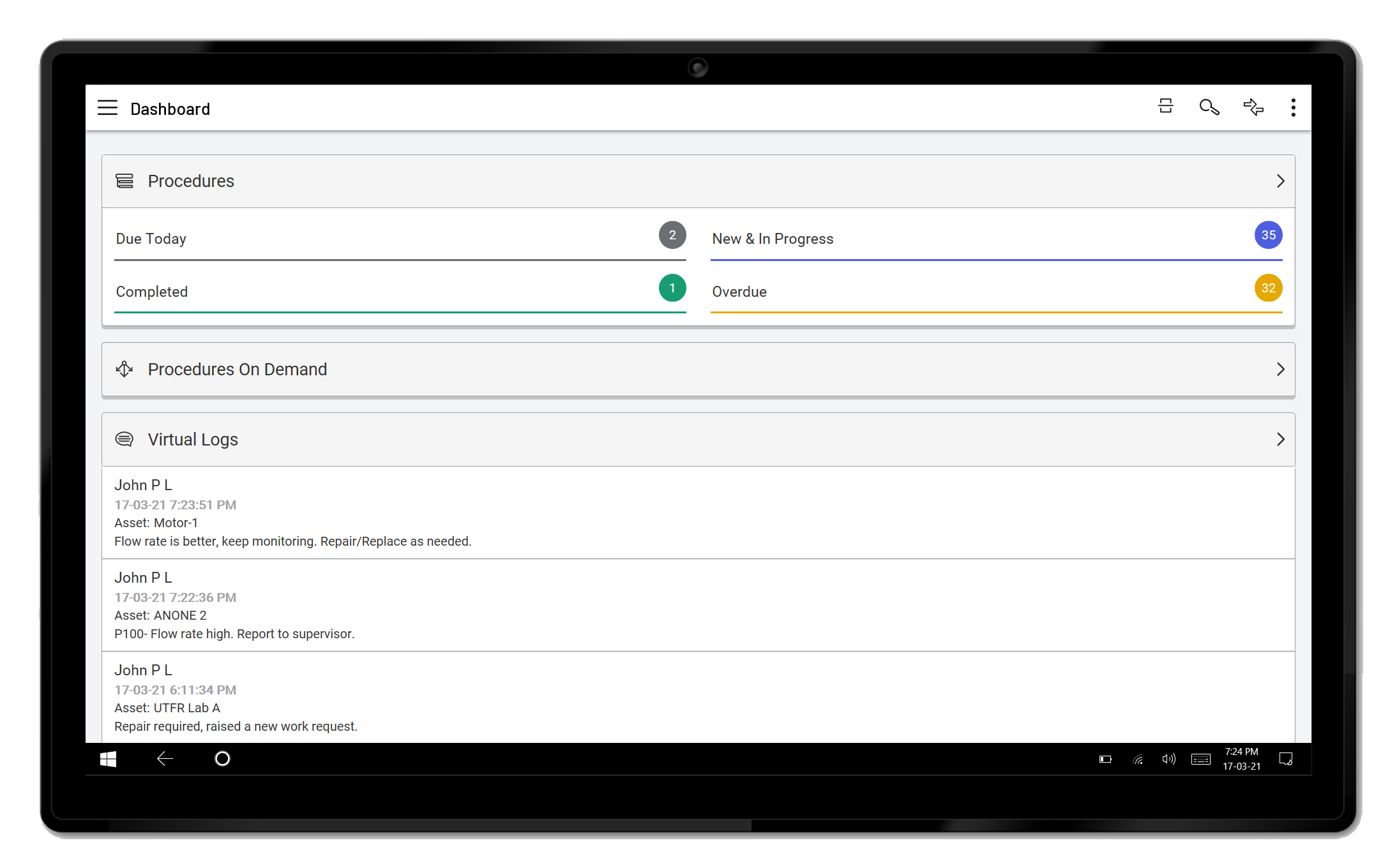
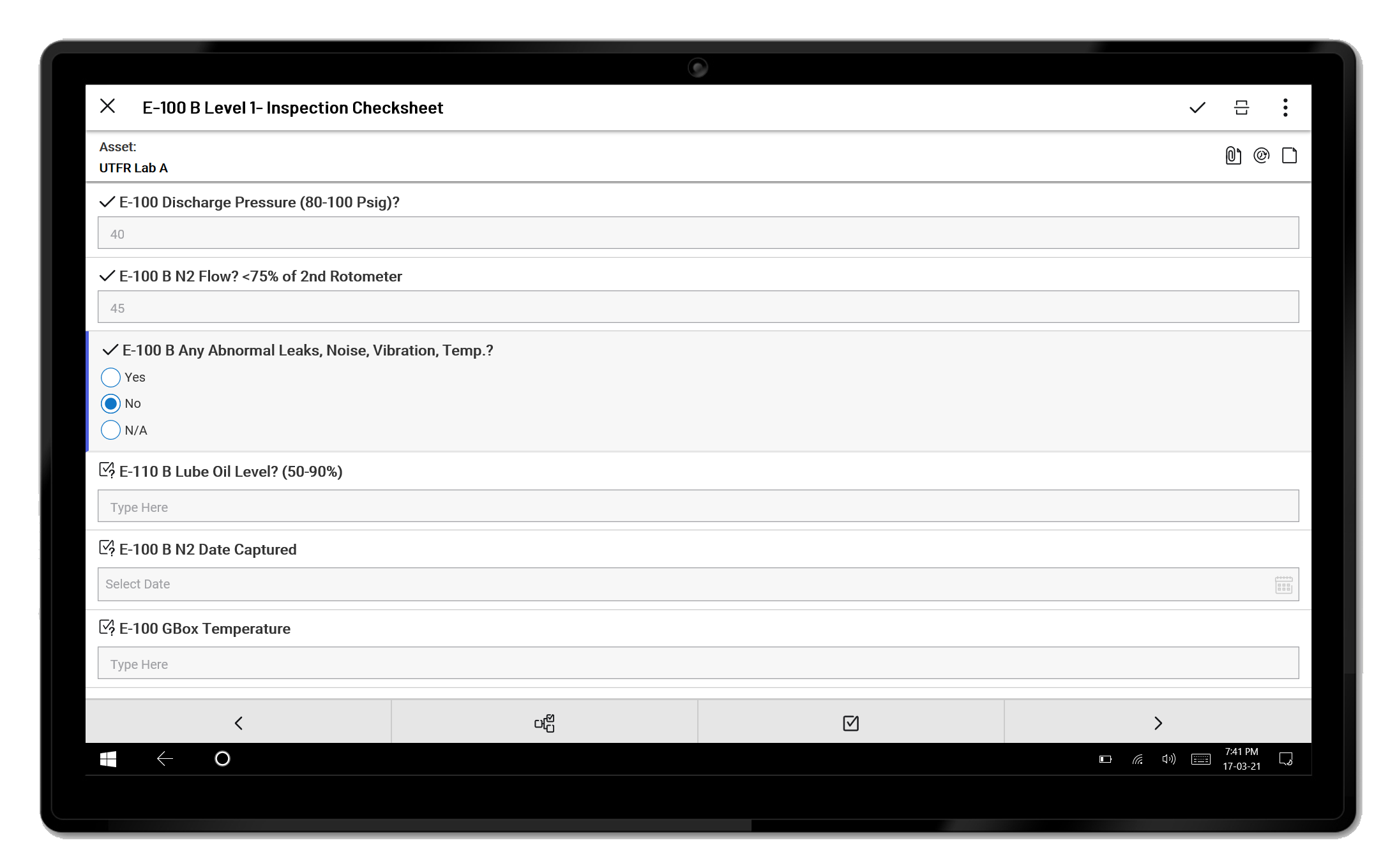
- Procedure Management: Users can download and access the latest operational procedures directly from the app. This ensures that field personnel always follow current guidelines, reducing the risk of non-compliance and human error.
- Data Handling: The app supports real-time input and upload of procedure-related data. This capability streamlines information flow and allows supervisors to monitor operational status instantly.
- Asset Interaction: By leveraging the mobile device’s camera, users can capture photos and populate asset records on-site. This improves data accuracy and supports visual verification of equipment conditions.
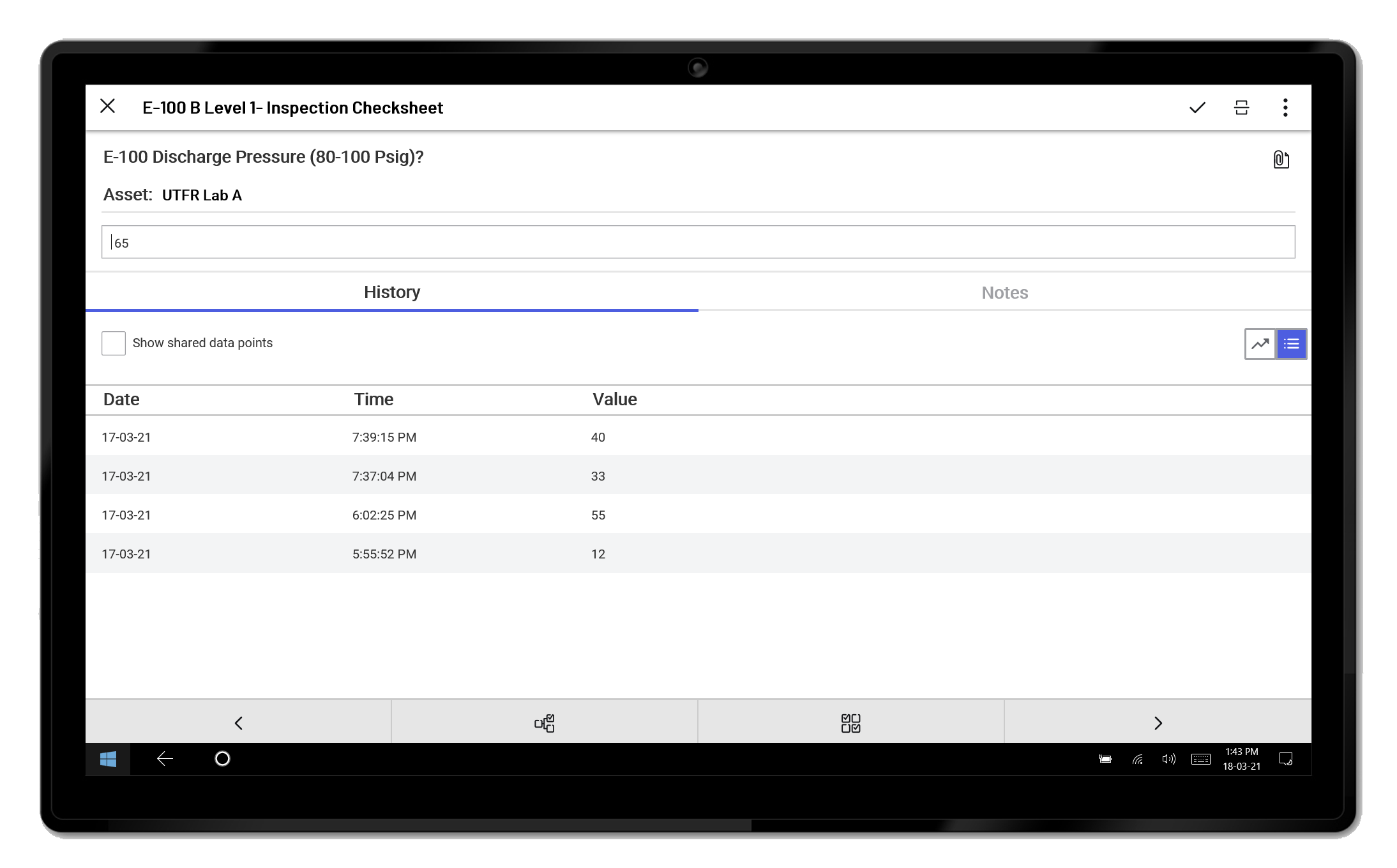
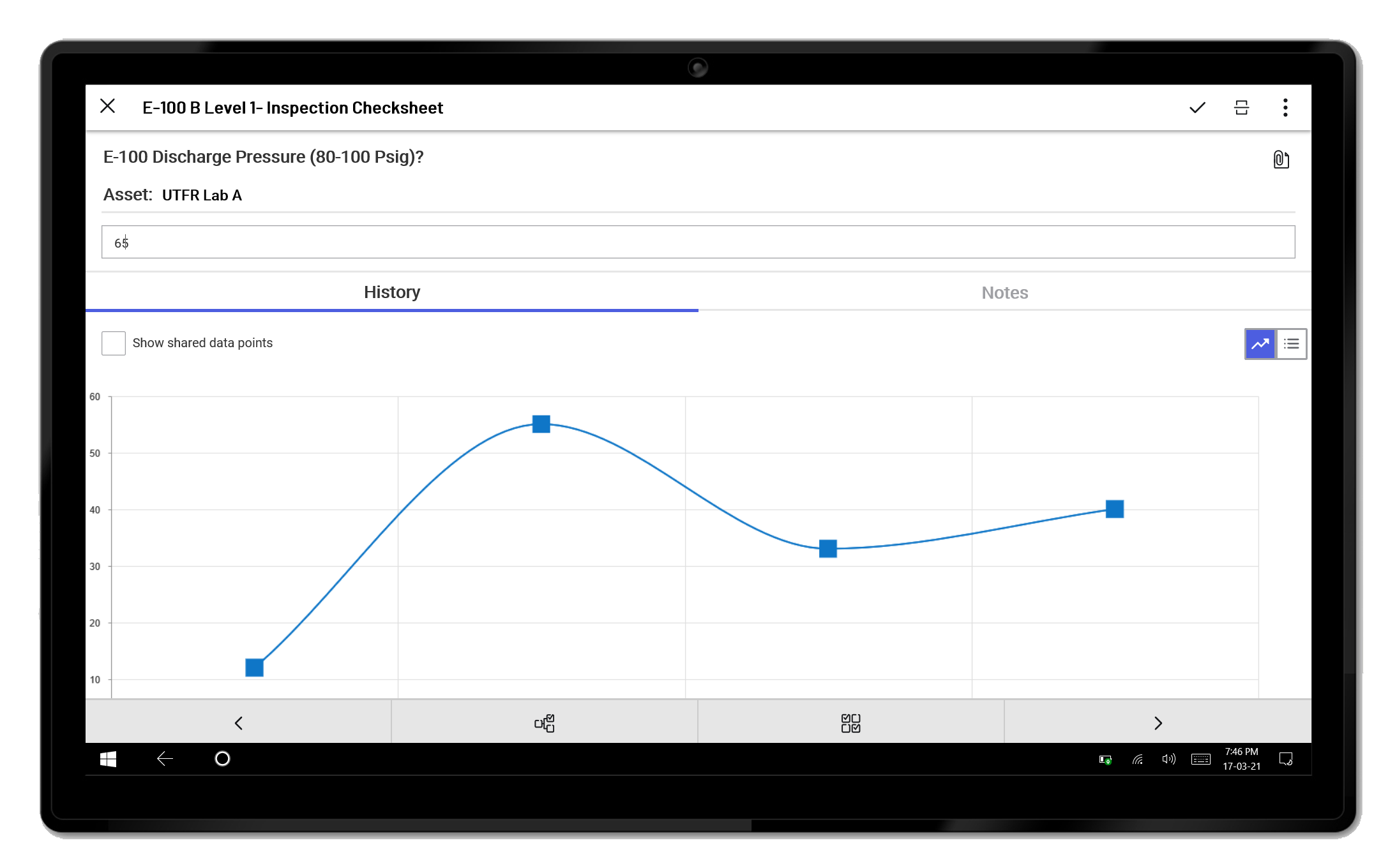
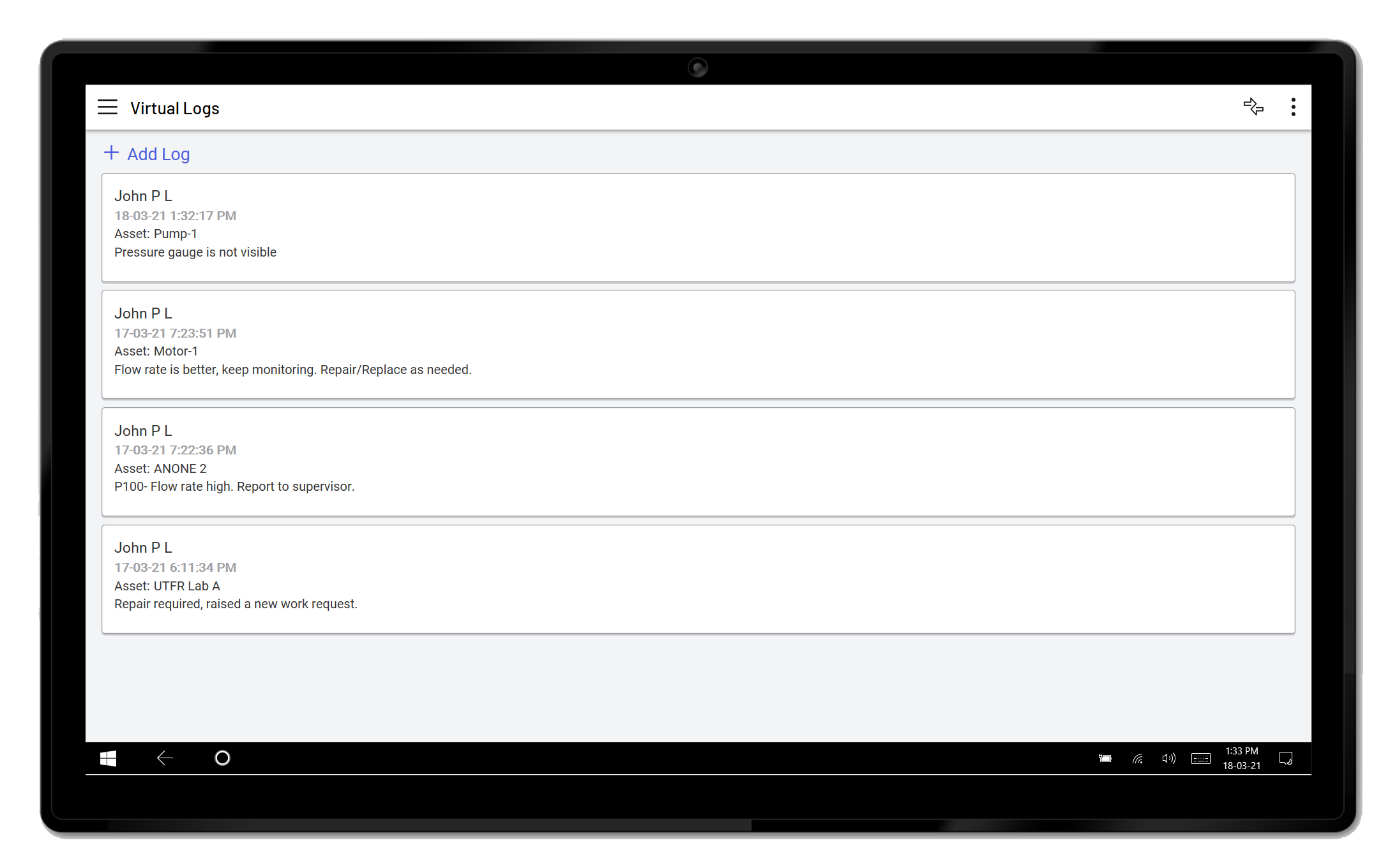
- Historical Review: The app maintains logs of completed tasks and notes, enabling users to review past activities. This feature is essential for audit trails and long-term performance tracking.
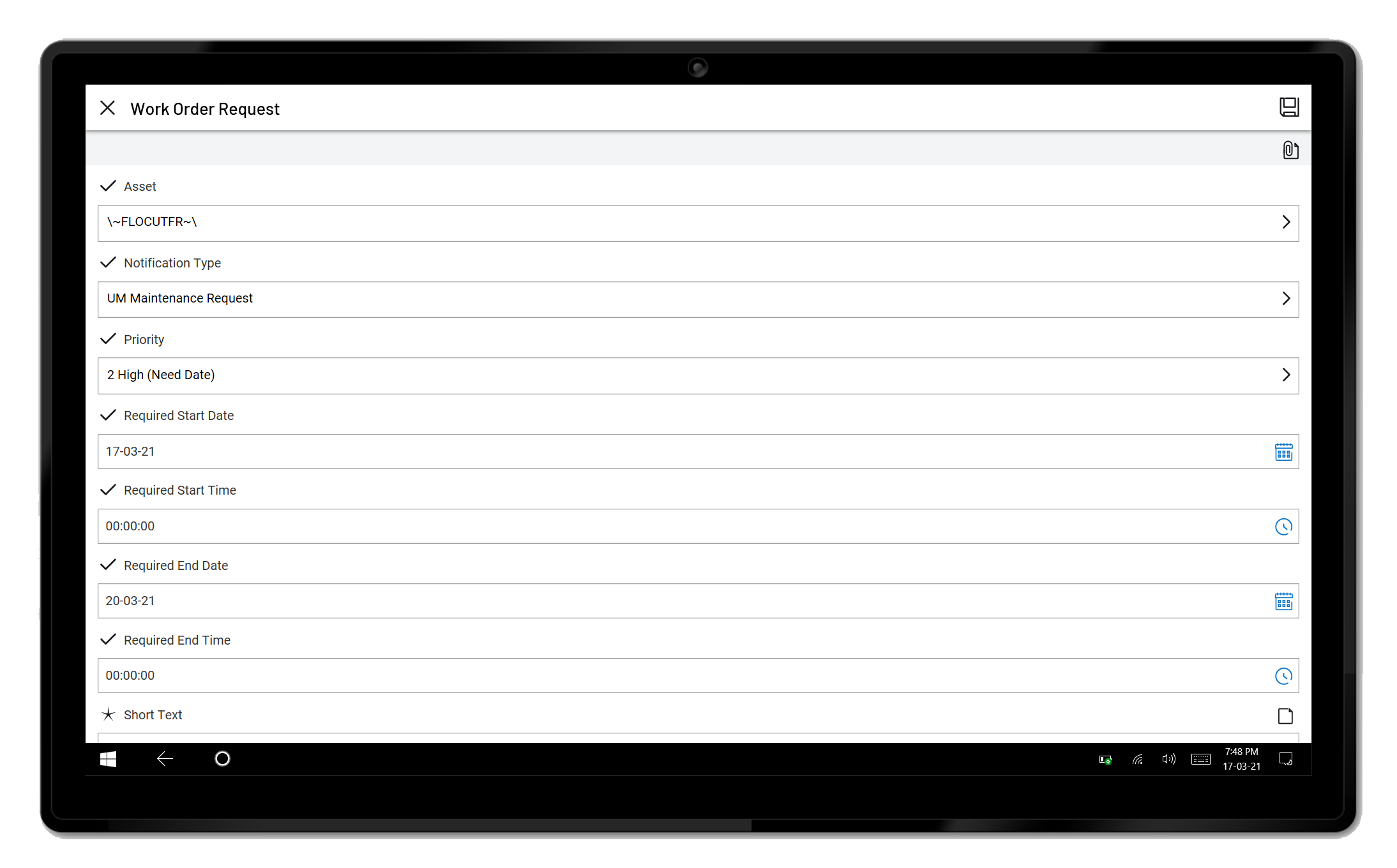
- Work Order Integration: Users can submit work orders directly within the app, reducing delays in maintenance scheduling and improving response times across teams.
For example, a maintenance technician can access a procedure before inspecting a pump, record observations with photos, log findings, and submit a work order—all without returning to a desktop system. This end-to-end workflow enhances accountability and reduces downtime. Similarly, an operations supervisor can verify compliance during a site walk-through by reviewing the latest procedure and confirming that steps were followed correctly.
Interface, UX & Performance
The user interface of AVEVA Mobile Operator is designed with industrial professionals in mind, prioritizing clarity and functionality over decorative elements. The layout is structured to support rapid navigation between procedures, asset views, and task logs. Key actions such as starting a procedure or submitting a work order are accessible through intuitive menus and clearly labeled buttons.
Navigation follows a logical hierarchy, minimizing the number of taps required to complete common tasks. The visual style is clean and professional, with minimal distractions—ideal for use in high-noise or high-stress environments where quick decision-making is essential. The app responds promptly to user inputs, with transitions between screens appearing smooth and consistent.
Although the developer did not list formal performance metrics, the app’s functionality suggests optimized performance across mid-to-high-end Android devices. It is designed to operate efficiently in low-bandwidth or intermittent connectivity scenarios, a critical requirement for industrial sites. Stability appears to be a focus, as the app supports offline data capture and syncs records when connectivity is restored.
Overall, the user experience emphasizes reliability and task efficiency, aligning with the high standards expected in industrial operations.
Platform Compatibility & Technical Requirements
AVEVA Mobile Operator is available exclusively on the Android platform. The current version is 3.1.0, with a file size of 135 MB. The app is free to download and install, making it accessible to a broad range of industrial organizations.
While specific OS version requirements were not disclosed, the app is designed for modern Android devices. The developer did not specify minimum hardware or RAM requirements. However, given the app’s functionality—including camera integration, real-time data handling, and offline storage—it is likely optimized for devices with standard processing power and sufficient storage.
Compatibility information was not fully disclosed. Users should ensure their devices meet typical Android standards for enterprise applications. For optimal performance, it is recommended to use the latest stable version of Android and keep the app updated.
Pros and Cons
Pros
- Enables real-time access to operational procedures on mobile devices.
- Supports offline data capture and sync, ideal for remote or low-connectivity sites.
- Integrates camera functionality for visual asset documentation.
- Streamlines work order submission directly from the field.
- Free to download and install, reducing entry barriers for teams.
Cons
- Platform availability limited to Android; no iOS version was mentioned.
- Specific technical requirements were not listed.
- Compatibility with older Android versions is unclear.
- Advanced features may require integration with backend systems not included in the app.
- Developer did not provide detailed user support or documentation.
FAQ
Is AVEVA Mobile Operator available for iOS devices?
As of now, the app is available only on the Android platform. The developer did not provide information about future iOS availability.
Can I use the app without an internet connection?
Yes, the app supports offline functionality, allowing users to access procedures, capture data, and log tasks. Data will sync when connectivity is restored.
Is the app secure for industrial data handling?
The app is designed for industrial environments and includes features to support secure data handling. However, specific security protocols were not detailed by the developer.
How often is the app updated?
The latest version, 3.1.0, was released on July 26, 2024. The developer did not specify a regular update schedule.
Do I need a subscription to use the app?
No, the app is currently free to download and install. Additional functionality may require backend system access, but no in-app purchases or subscriptions are required at this time.
Final Thoughts
AVEVA Mobile Operator stands out as a practical, field-ready tool for professionals managing industrial operations. Its focus on real-time procedure access, data input, asset documentation, and work order integration delivers tangible benefits in efficiency, compliance, and accountability. The app is especially valuable for teams operating in remote or high-risk environments where reliable mobile access to critical information is essential.
While platform availability is currently limited to Android and technical specifications are not fully disclosed, the app’s core features are well-aligned with modern industrial needs. Its free pricing model enhances accessibility, making it a strong candidate for organizations undergoing digital transformation.
For industrial operators, maintenance teams, and supervisors seeking to improve on-site workflow accuracy and responsiveness, AVEVA Mobile Operator offers a robust solution. With its latest release in July 2024, it represents a current and relevant tool in the industrial productivity landscape.
Download AVEVA Mobile Operator now
Guides & Tutorials
How to install AVEVA Mobile Operator
- Click the Download button above.
- Once redirected, accept the terms and click Install.
- Wait for the AVEVA Mobile Operator download to finish on your device.
How to use AVEVA Mobile Operator
This software is primarily used for its core features described above. Open the app after installation to explore its capabilities.
User Reviews
No reviews yet. Be the first to share your experience.
You may also like
more
Que no te pillen¡
About !Que no te pillen¡Reviewed by Jason A. BilbreyShow MoreShow Less

3D Combat Zone
About 3D Combat ZoneOriginally released in 1983, 3D Combat Zone immerses players...

666: El día del portal
About 666: El día del portalOn June 6, 2006, Agent P. Stone uncovers a sinister...

80 in 1 Best Flash games
About 80 in 1 Best Flash games 80 in 1 Best Flash games is a collection of 80 fl...

ABYSS SEEKERーーWhat Do You See Deep in The Abyss
About ABYSS SEEKERーーWhat Do You See Deep in The AbyssIn ABYSS SEEKER, players...

ACA NEOGEO THE KING OF FIGHTERS 2002 for Windows
About ACA NEOGEO THE KING OF FIGHTERS 2002 for WindowsTHE KING OF FIGHTERS 2002,...